***PURCHASE AN INNOFADER:*** |
|
|
FADER SLOT: Crossfader and Channel Faders |
_______________________________________________ |
|  |
| ADAPTER BOARD (included): Adapter (10) |
| OPTIMAL CURVE DIAL SETTING: 12:00 |
| SPECIAL Y CURVE SETTING recommended for channel fader installation. More Info |
| |
_______________________________________________ |
Installation Notes: |
| Use 1.2mm raised cap to prevent the knob from scraping against the faceplate (full bodied Innofader models only) |
Installation Detailed Description: |
Innofader Classic: If you got a hold of an Innofader classic and the Rane TTM-56/57 adapter kit, please follow our forum instructions. This adapter is currently obsolete but can be purchased as B-stock.
Innofader Pro2:
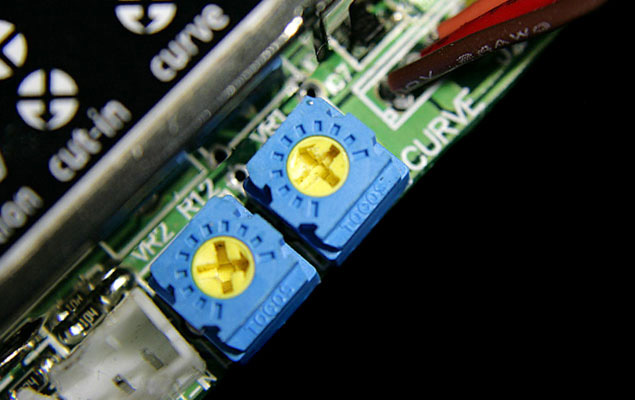
Please first see these detailed instructions for doing the Rane calibration. This is necessary to achieve precision cut points without too much dead space on either side of the crossfader. Hopefully these detailed instructions make the process much simpler for all of you!
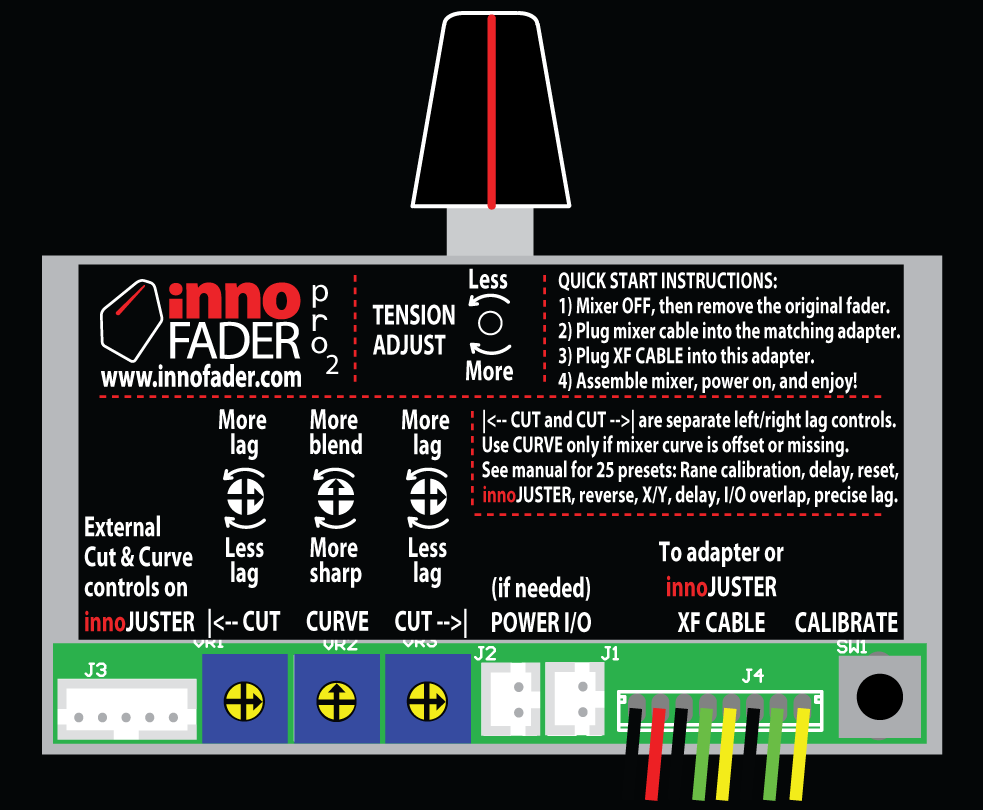
For fader wiring, please connect to the 6 pin connector and leave the 4 pin plug attached for short circuit protection.
Innofader Pro:
For calibration using the Innofader Pro, please read the Rane calibration instructions part 1 and Rane calibration instructions part 2.Now if you've done the Rane calibration but still have a slight imbalance between the left and right side cut-in points (< 1mm), the simplest way to fix this is to redo the standard calibration and reduce the cut-in dead space on the side which has slightly more dead space. This is much faster than redoing the Rane calibration all over. |